Template
91 Christmas Games Bundle + Bingo — Christmas Party Games Printable, Family & Office Party
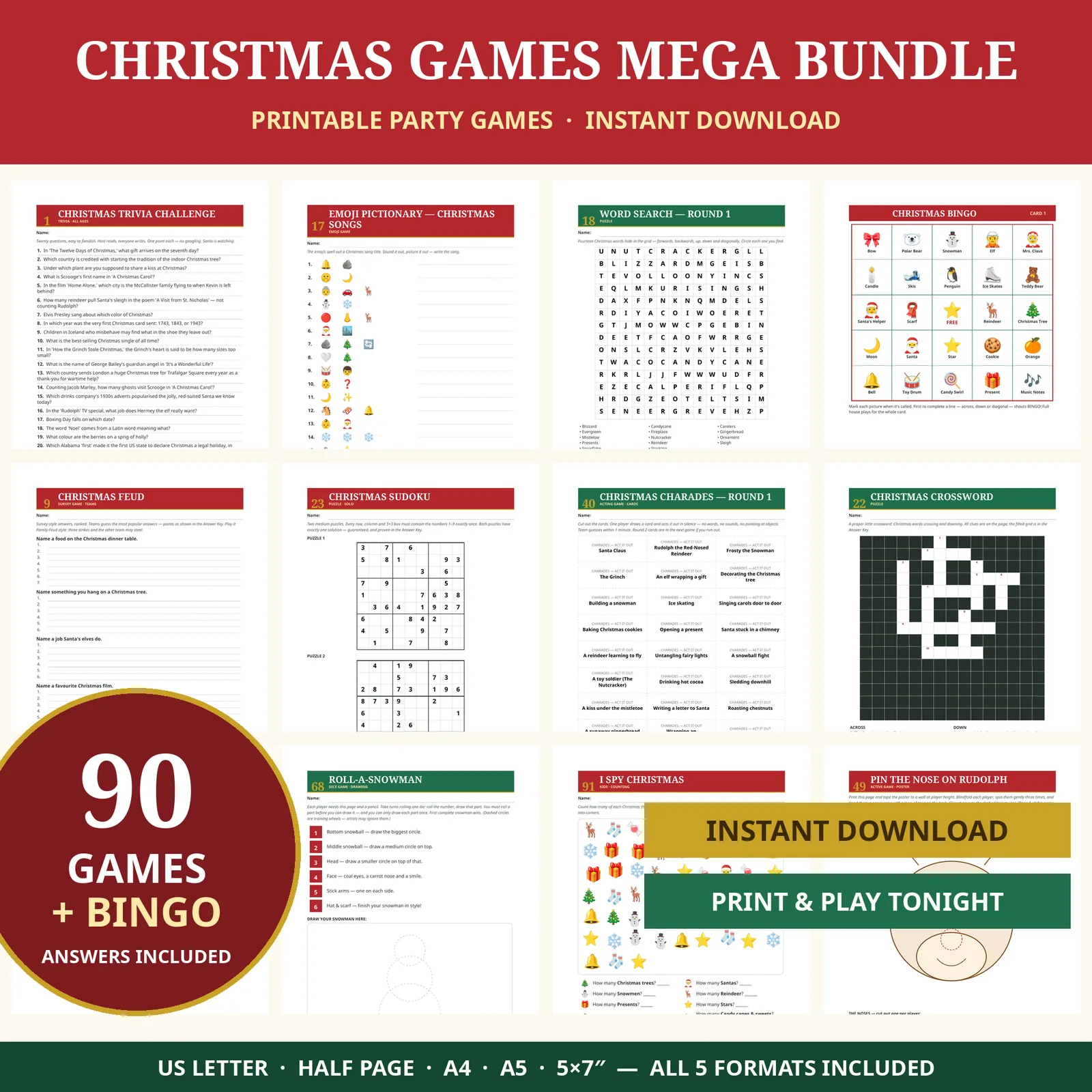
The whole party sorted for $4.99 — 91 games plus Christmas Bingo with 30 unique cards, a separate host's Answer Key, and five print formats.
$4.99
Template
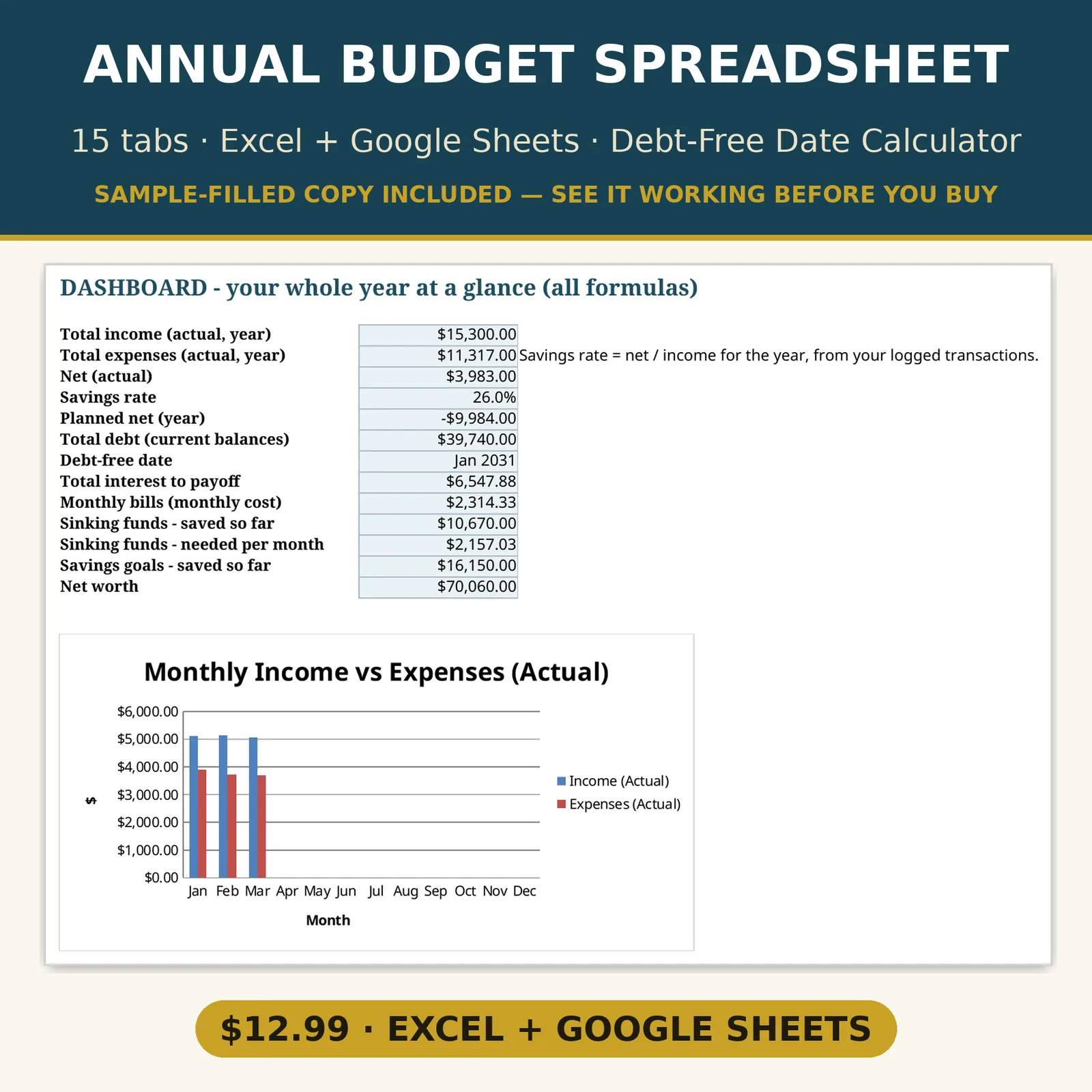
Your whole money year in one workbook — budget, bills, debt payoff, savings and net worth, all calculating themselves.
Description provided by the seller.
Your whole money year in one workbook — budget, bills, debt payoff, savings and net worth, all calculating themselves.
Most budget spreadsheets track spending and stop there. This one also runs your debt payoff like a strategist: enter each debt once, pick Snowball, Avalanche or your own custom order, add any extra payment — and it computes your debt-free date and the total interest you'll pay, month by month, across a full 360-month simulation. Switch methods and watch the date move before you commit a single dollar.
WHAT'S INSIDE (15 tabs, every total a live formula)
YOU ALSO GET
HOW IT WORKS
1. Download instantly after purchase.
2. Excel: open the Excel file. Google Sheets: upload the Sheets file to Google Drive and open it — Sheets converts it automatically (free Google account).
3. Type only in the pale yellow cells. The pale blue cells are formulas — they do the math.
No bank connection, no subscription, no app. Your numbers never leave your computer or your Google account. Yours to keep forever, reusable every year — just change the year on the Start Here tab.
This is a digital download — no physical item will be shipped. This spreadsheet is a planning and organization tool, not financial, tax or legal advice.
FAQ
Q: Do I need Excel, or will Google Sheets work?
Both. You get an Excel file (Excel 2019 or Microsoft 365) and a Google Sheets file — upload it to Drive and open it, and Sheets converts it automatically. Every formula works identically in both.
Q: I'm paid biweekly / weekly / twice a month — will this fit?
Yes. There are four separate paycheck budget tabs — Weekly (52), Biweekly (26), Semimonthly (24) and Monthly (12) — each with pay dates generated from your first pay date.
Q: How does the debt payoff planner work?
Enter each debt's balance, APR and minimum payment (up to 8 debts), choose Snowball (smallest balance first), Avalanche (highest APR first) or Custom (your own order), and add any extra monthly payment. The workbook simulates every month and shows your debt-free date, each debt's payoff month, and total interest — switch methods to compare the real cost of each.
Q: Is a filled-in example included?
Yes — a complete sample copy with a realistic household's numbers is included in both formats, so you can see exactly how every tab is meant to be used.
Q: Does it connect to my bank?
No. It's a manual-entry template by design — nothing to link, nothing shared, and it works offline in Excel.
Q: Can I use it again next year?
Yes. Change the year on the Start Here tab and the whole workbook re-dates. One purchase, every year.
Q: What if a formula doesn't work for me?
Message us. Every formula was independently verified before listing, and if anything misbehaves in your copy we will make it right.
No reviews yet — verified buyers can leave one in the EternalEngine app.
Template
The whole party sorted for $4.99 — 91 games plus Christmas Bingo with 30 unique cards, a separate host's Answer Key, and five print formats.
Template
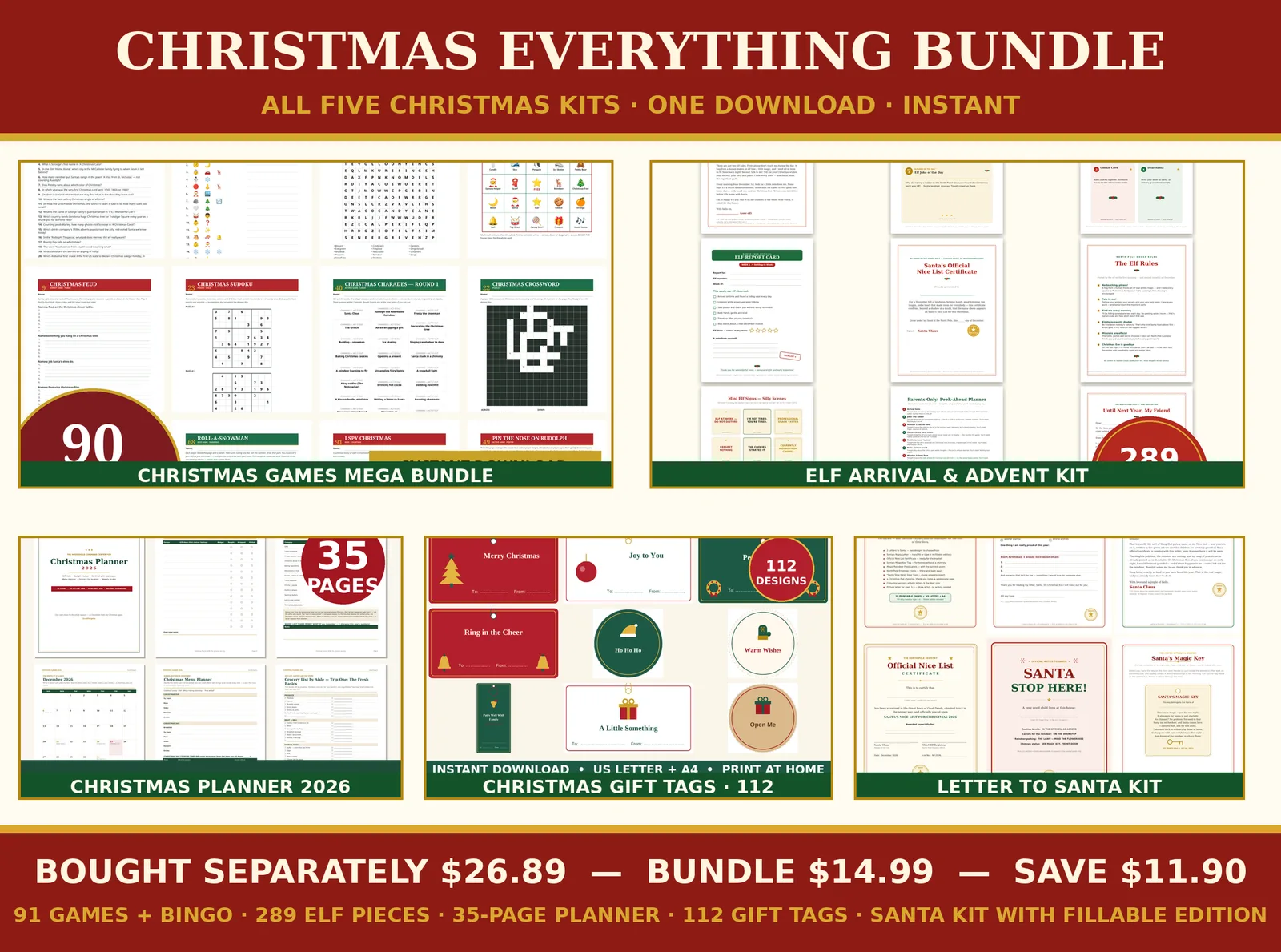
The whole Christmas shelf in one download — all five kits complete: games, elf, planner, gift tags and the Santa kit. $26.89 separately, $14.99 together.
Template
The complete system: 21 forms — every money document, plus the manual and job sequence map.
Template
FreeThe signed change-order form the whole Get Paid system turns on — free. Fillable PDF, print-ready twin, and the offline Form System.
Template
The four money documents — fillable, print-ready, with examples.
Template
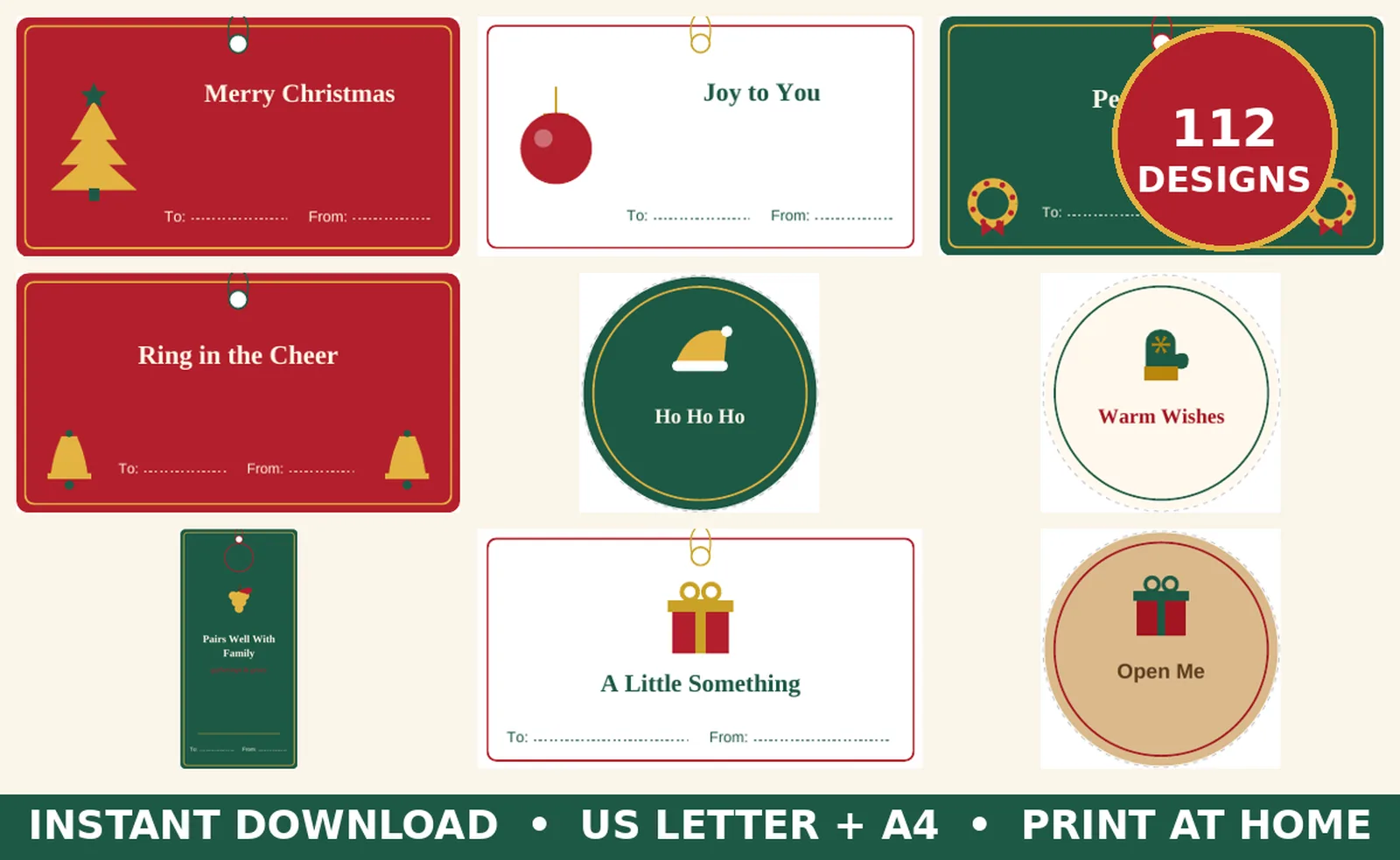
112 unique gift tags — every style in the room, one instant download: classic, kraft and sage looks, plus wine tags, From Santa tags and a Print-Then-Cut PNG set.
Template
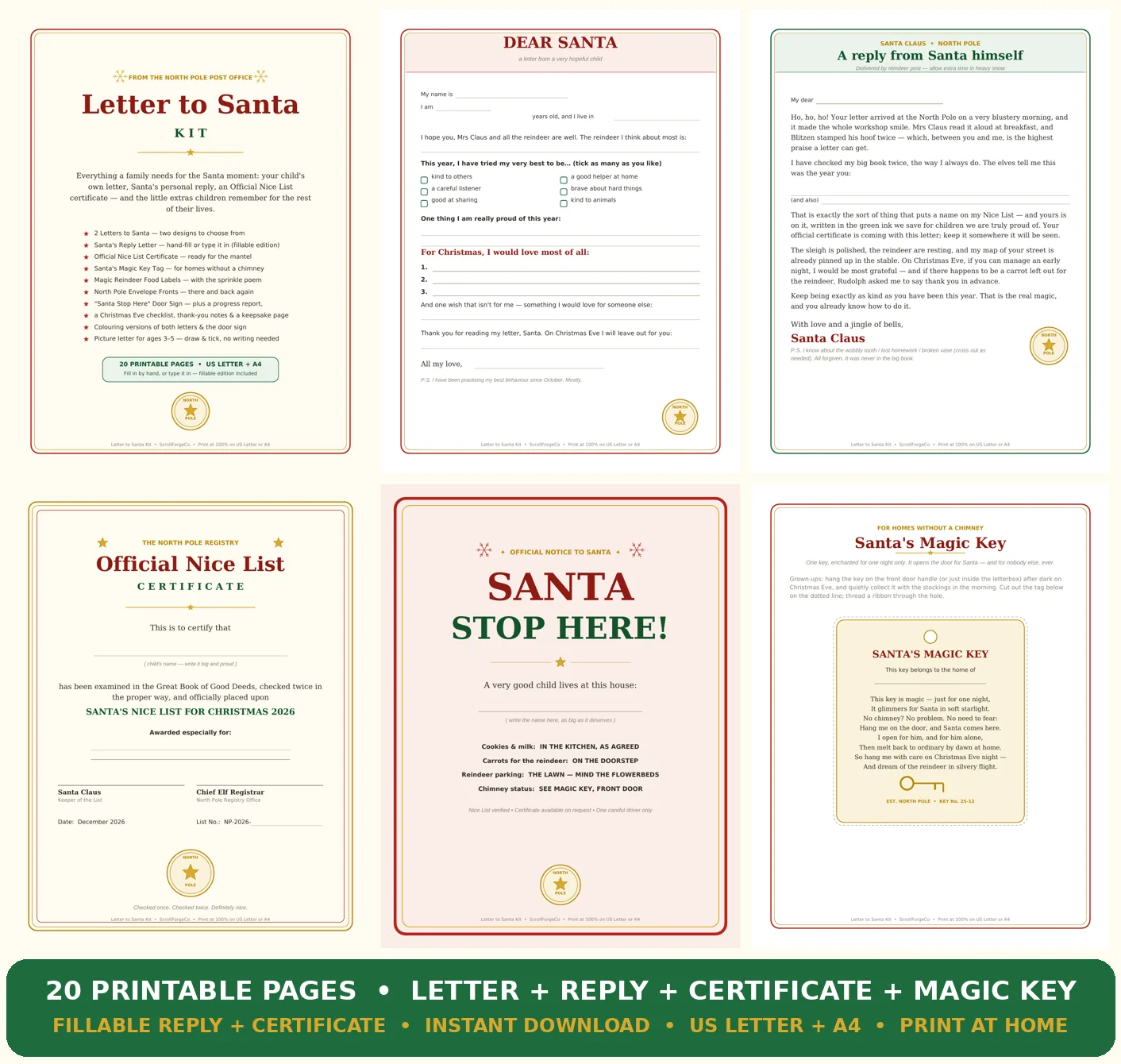
The whole Santa moment, in one printable kit — the letter your child writes, the reply Santa sends back, and the certificate that ends up framed.
Template
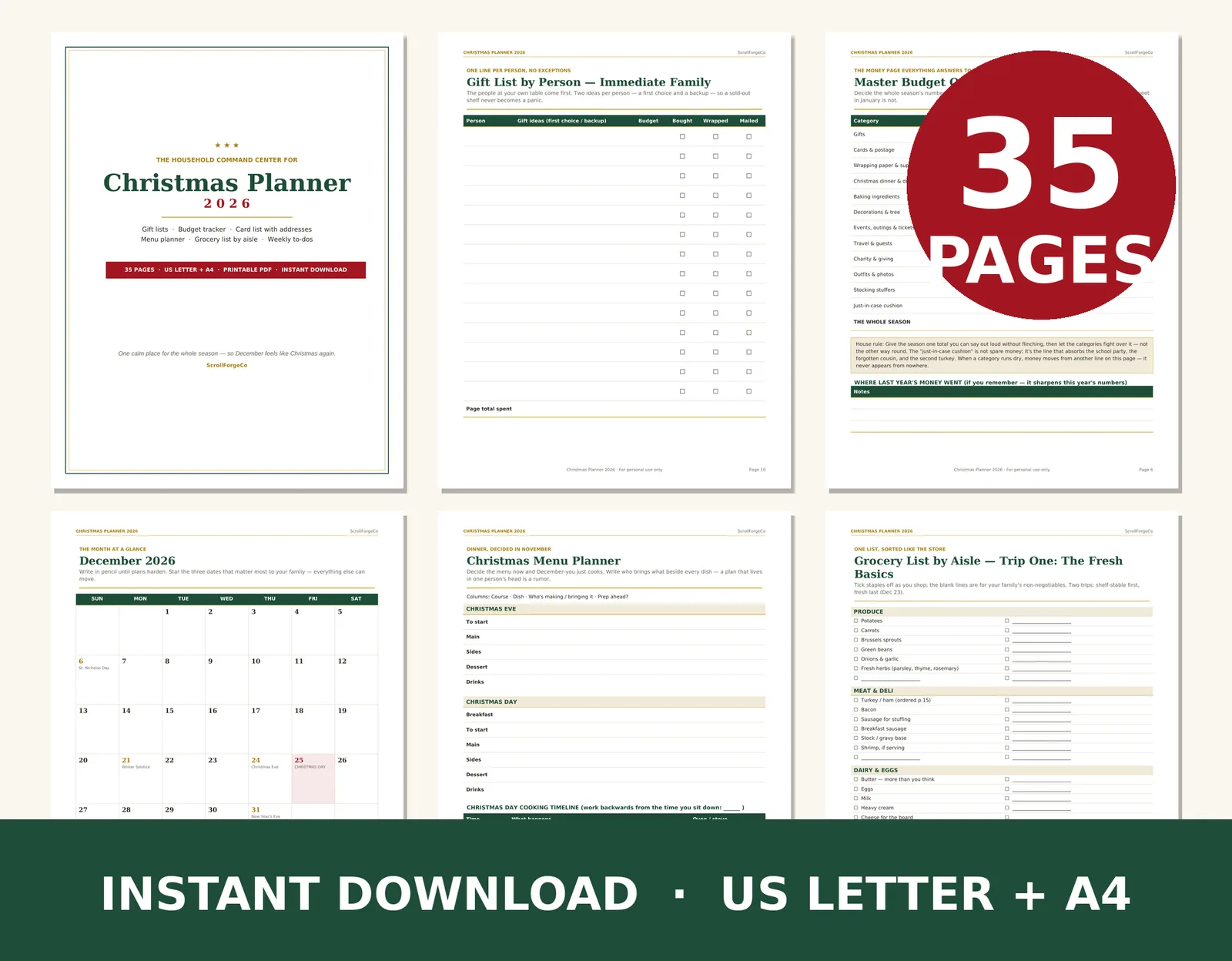
Christmas runs better on paper — 35 pages that hold the whole season in one place: every gift, every dollar, every card, every dish.